Introduction
Minus AI is a cutting-edge platform designed to automate repetitive tasks and streamline workflows across businesses. By leveraging advanced AI, Minus AI allows users to focus on high-value activities while the AI handles scheduling, data processing, and task management. Ideal for small businesses, marketing teams, and content creators, Minus AI brings efficiency and intelligence to everyday operations.
Competitor Comparison
Minus AI competes with tools like Zapier AI, Make AI, and Microsoft Power Automate. While all provide automation, Minus AI focuses on intelligent task optimisation and predictive workflows.
| Tool | Strengths |
|---|---|
| Minus AI | AI-driven automation, predictive workflows, simple interface |
| Zapier AI | Extensive app integrations, easy-to-use triggers |
| Make AI | Flexible workflow automation, visual scenario builder |
| Microsoft Power Automate | Deep Microsoft 365 integration, enterprise-grade automation |
Pricing & User Base
At the time of writing, Minus AI offers a free tier for basic automations, with premium plans starting at approximately $15/month.
Primary Users: Small business owners, marketers, content creators, and team managers looking to automate routine workflows.
Difficulty Level
Easy to Medium – The platform is intuitive, but complex multi-step automations may require a brief learning curve.
Use Case Example
Imagine you run an online retail business and spend hours daily managing email responses and order tracking:
Use Minus AI to automatically monitor incoming customer emails.
Train the AI to generate responses for common queries, like “Where is my order?” or “Can I return an item?”
Set the AI to update your order tracking system and notify customers automatically.
Review the automated process periodically to ensure accuracy.
This allows you to reduce manual workload, provide faster responses, and improve overall customer satisfaction.
Pros and Cons
Pros
- AI-powered task automation
- Predictive workflow suggestions
- Easy integration with common apps and tools
- Saves time on repetitive tasks, increasing productivity
Cons
- Advanced automations require premium subscription
- Internet connection required for real-time updates
- May need fine-tuning for highly specialised tasks
- Learning curve for multi-step complex automations
Integration & Compatibility
Integrates with common business tools like Gmail, Slack, Google Sheets, and Microsoft 365
Web-based platform accessible across desktop and mobile devices
Supports exporting data and task logs for reporting and analytics
Support & Resources
Minus AI provides tutorials, documentation, and sample workflows to get started quickly
Community forums and chat support available for troubleshooting
Regular updates improve functionality and expand integration options
If you want to explore how AI can accelerate your growth, consider joining a Nimbull AI Training Day or reach out for personalised AI Consulting services.
Introduction
Minus is an AI data analysis and spreadsheet assistant designed to help operators, founders, analysts, and marketers work faster with numbers. Minus focuses on plain-English analysis, spreadsheet logic, and structured outputs. You upload a CSV or spreadsheet, ask questions in natural language, and receive clear answers, formulas, and charts. Minus stands out for speed, clarity, and strong spreadsheet reasoning without setup overhead.
Competitor Comparison
| Tool | Strengths |
|---|---|
| Minus | Fast spreadsheet reasoning, clean outputs, strong CSV analysis |
| ChatGPT Advanced Data Analysis | Flexible reasoning, broad general knowledge |
| Claude | Long context handling, strong summarisation |
| Microsoft Copilot for Excel | Native Excel integration, enterprise workflows |
| Julius AI | Data science focused workflows, Python outputs |
| Rows AI | Spreadsheet-first automation and integrations |
Pricing & User Base
Difficulty Level
Ease of Use: Easy
Cursor integrates directly with your coding environment, allowing developers to quickly adopt it into their workflow.
Use Case Example
Suppose you manage monthly sales data across regions and products in a CSV file.
We can start the analysis using this sentence:
“Review the uploaded CSV file and explain what each column represents. Identify missing values and formatting issues.”
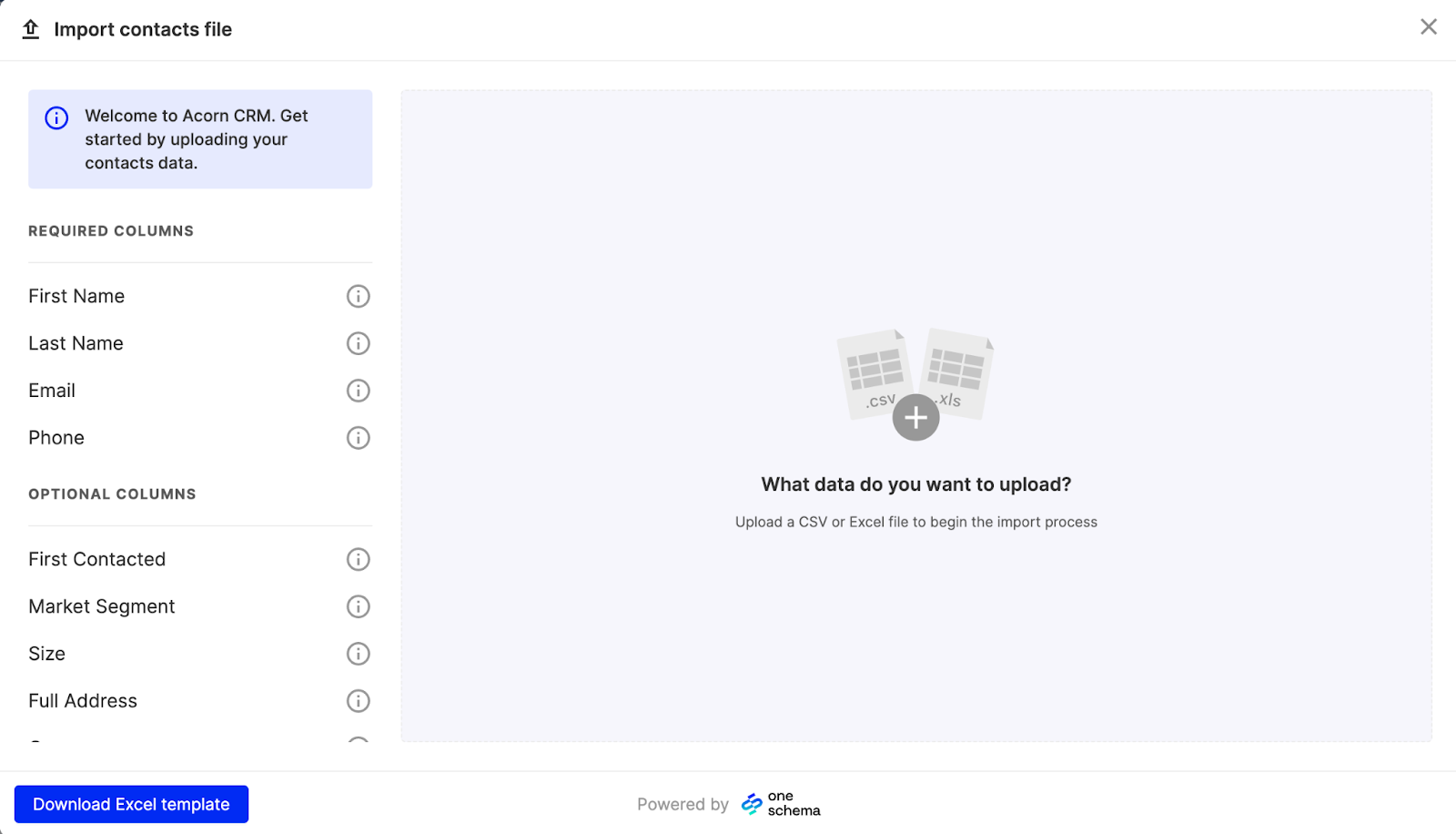
To begin answering questions by using this sentence:
“Summarise total revenue by region and list the top three products for each region in a table.”
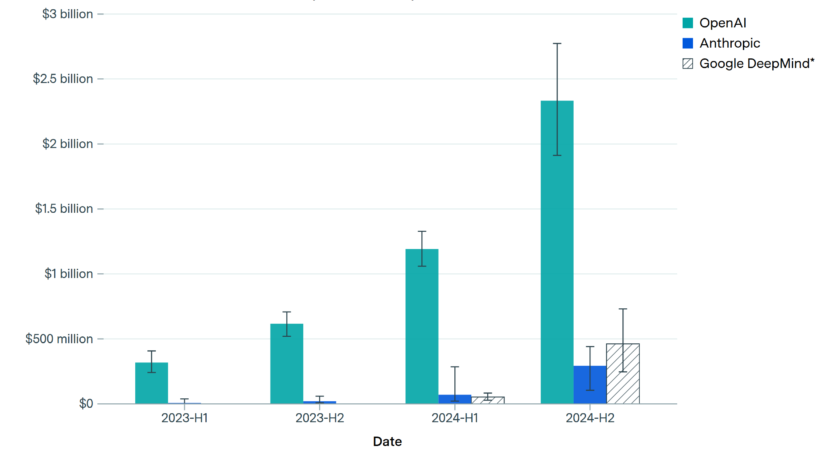
![]()
We can refine the insights using this sentence:
“Create a table showing month over month revenue growth by region and clearly mark regions with declining performance.”

We can visualise the data using this sentence:
“Generate a bar chart showing total revenue by region and a line chart showing monthly revenue trends.”
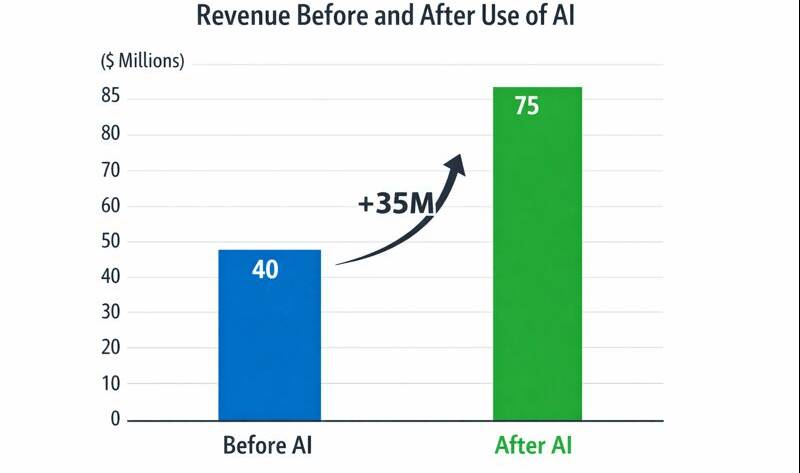
![]()
We can prepare results for reporting using this sentence:
“Export the tables and charts in a format suitable for presentations and spreadsheets. Provide formulas used for calculations.”
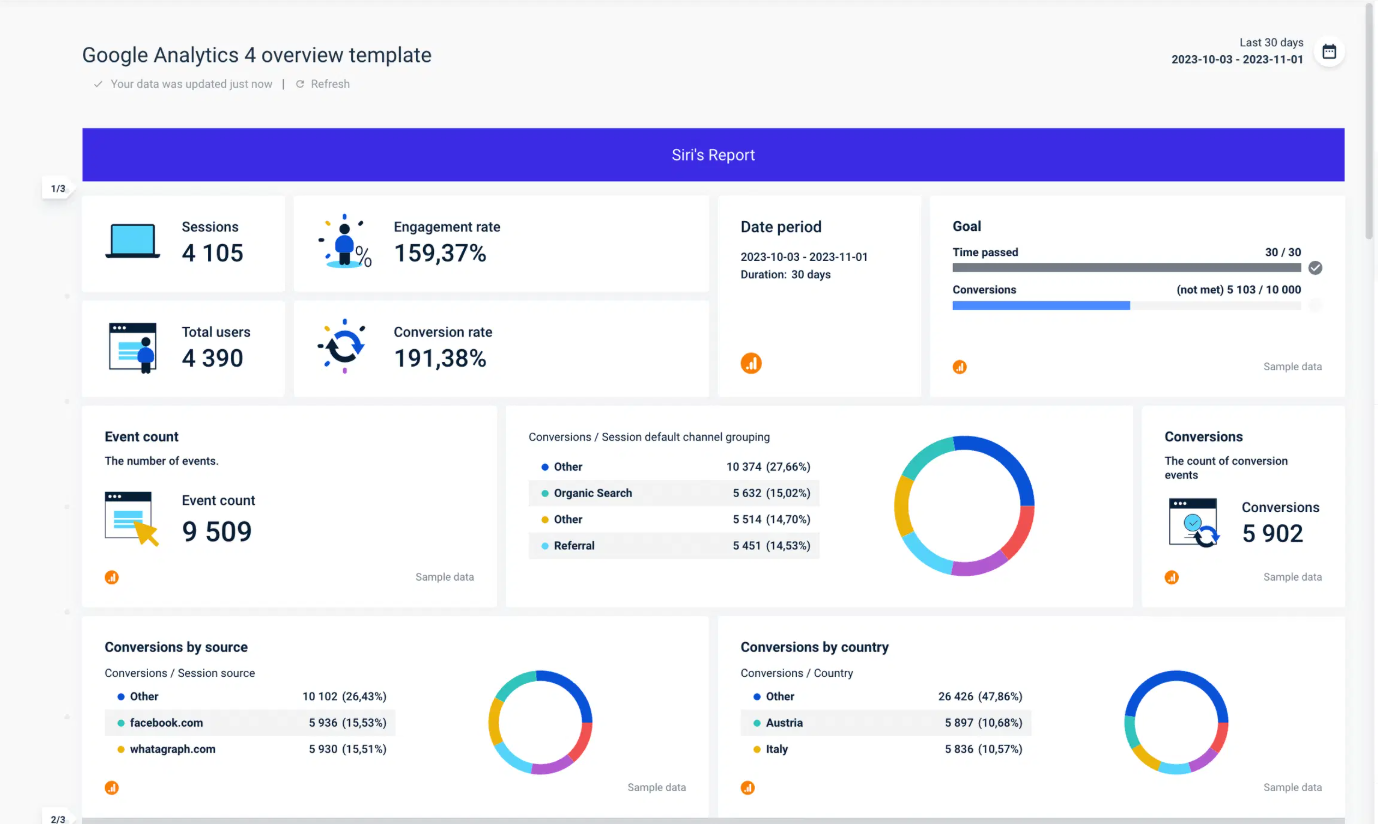
This approach removes manual formulas, pivot tables, and repetitive cleanup. You move from raw data to clear decisions in minutes.
Pros and Cons
Pros
- Strong spreadsheet and CSV reasoning
- Plain-English prompts work reliably
- Clear tables and structured outputs
- Fast analysis without setup
Cons
- Focused mainly on structured data
- Limited advanced statistical modelling
- No native spreadsheet editor
- Depends on file uploads for context
Integration & Compatibility
Works with CSV and Excel files
Fits workflows using Google Sheets, Excel, Notion exports, and BI tools
Outputs copy directly into spreadsheets or reports
Support & Resources
Help guides and onboarding walkthroughs
In-product examples and prompt suggestions
Email support for paid users
If you want to explore how AI can accelerate your growth, consider joining a Nimbull AI Training Day or reach out for personalised AI Consulting services.