Creating a website can be time-consuming and challenging, especially if you lack design or coding experience. Loveable is an AI-powered tool designed specifically to simplify the website development process. With Loveable, you can generate fully functional, customised websites in a fraction of the time it would take using traditional methods. Whether you’re a small business owner, a marketer, or a freelancer, Loveable allows you to quickly bring your online presence to life, without the need for any technical expertise.
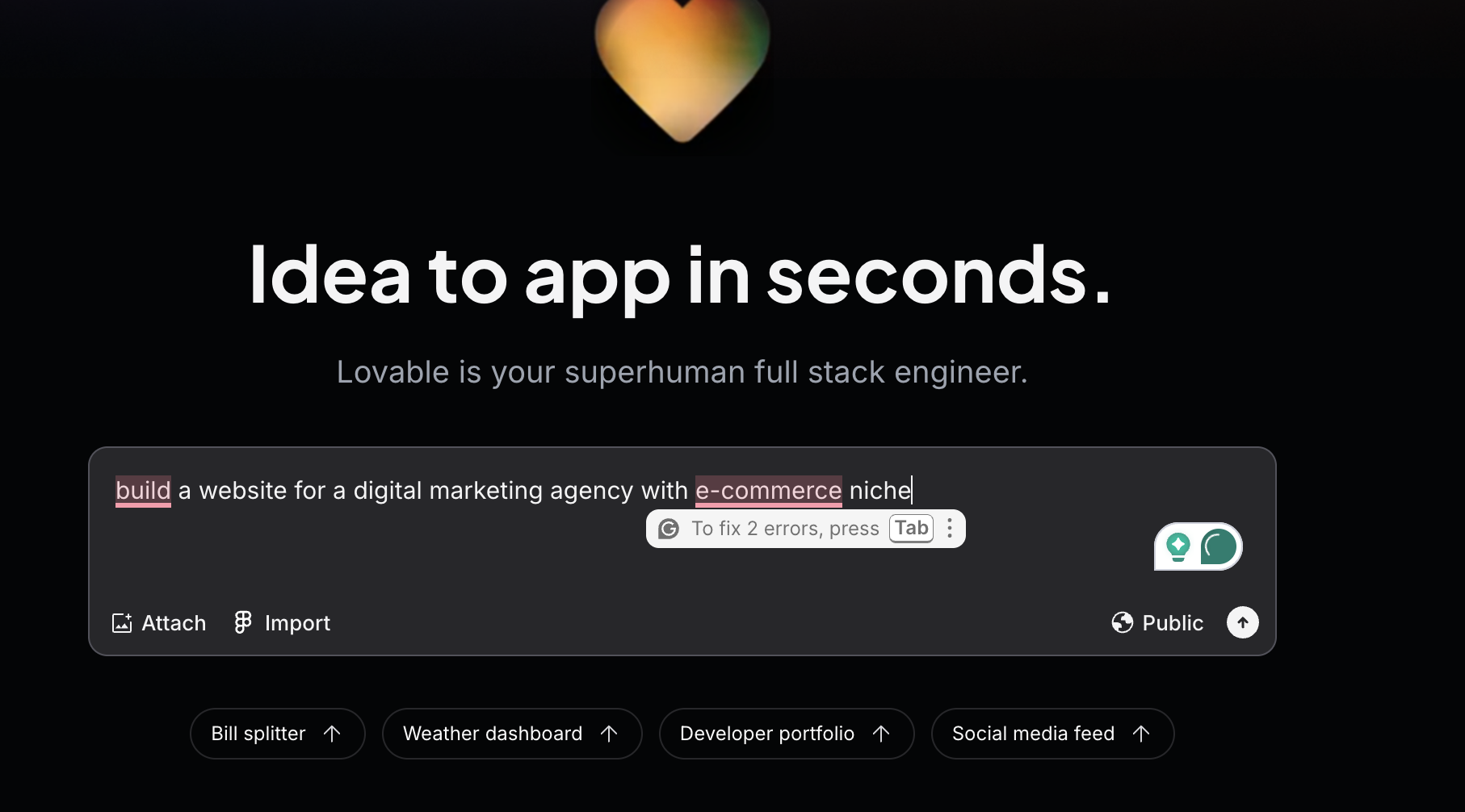
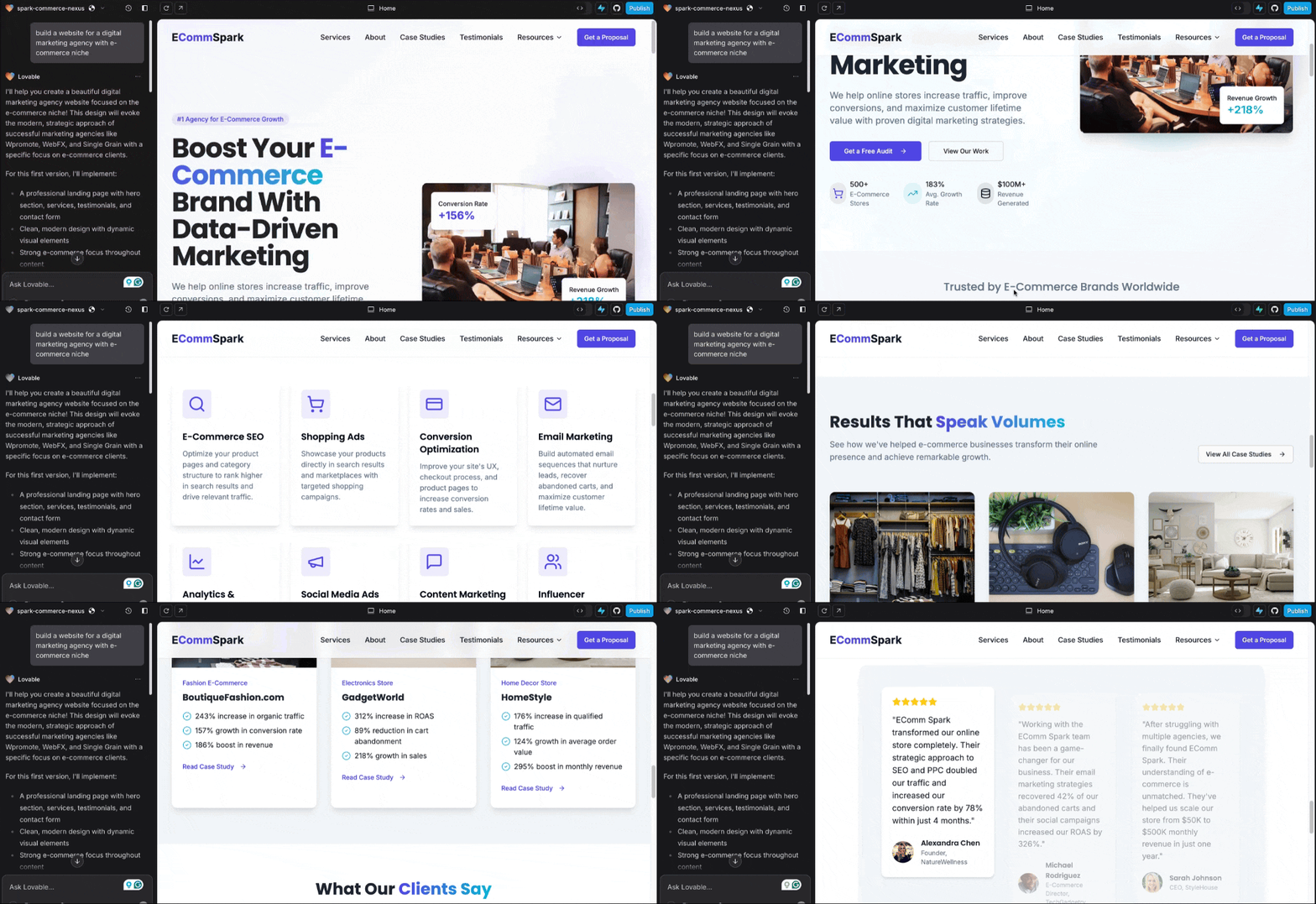
What makes Loveable unique is its ability to automatically generate websites based on your preferences. Simply input your desired features, design elements, and content, and Loveable’s AI takes care of the rest. It can create a variety of website types, from simple landing pages to complex e-commerce sites, all while ensuring your website looks professional and tailored to your specific needs. This eliminates the need for hours spent designing, coding, or manually tweaking templates, making website creation faster and more accessible than ever.
For example, if you’re a business looking to launch an online store, Loveable can automatically generate an e-commerce website with your brand colors, product categories, and payment gateway integrations—all ready to go. This allows you to focus on the growth and marketing of your business rather than getting bogged down in the technical details of website development.
If you’d like to learn more about how AI can help you grow, consider attending a Nimbull AI Training Day or reach out for AI Consulting services.

Introduction
Lovable is an AI app and website builder that helps founders, product teams, designers, and marketers turn ideas into working software by chatting in natural language. You describe the UI, data, and flows you want. Lovable generates a full stack web app, then lets you iterate fast with prompts. It stands out for its built in path to a real backend through Supabase, plus a growing integrations layer for payments, data, and automation.
Competitor Comparison
| Tool | Strengths |
|---|---|
| Lovable | Natural language build loop, full stack app creation, Supabase backend path, connectors and API integrations |
| Bubble | Mature no code app builder, complex workflows, large plugin ecosystem |
| Webflow | Strong visual web design, CMS driven sites, production marketing sites |
| Framer | Fast landing pages, design led sites, quick iteration |
| Softr | Portal style apps on top of data sources, client portals |
| Glide | Spreadsheet and database driven internal tools, mobile friendly experiences |
| Replit | Code first build with AI help, fast prototyping in a hosted dev environment |
Pricing & User Base
At the time of writing, Lovable has:
- Free plan: USD $0 per month. Includes 5 daily credits, capped at 30 credits per month.
- Pro: starts at USD $25 per month (shared across unlimited users) and includes 100 credits per month, plus custom domains and roles and permissions.
- Business: starts at USD $50 per month (shared across unlimited users) and adds features like SSO and data training opt out.
- Enterprise: custom pricing.
Primary Users: Founders, product managers, designers, marketers, small teams shipping MVPs
No code builders, operators, startups scaling internal and customer apps
Designers, marketing teams, agencies
Designers.
Difficulty Level
Ease of Use: Easy to Medium
If you can write clear prompts and review outputs, you will move fast. You will still need basic judgment on data structure, auth, and security once you connect a backend and publish.
Use Case Example
- Define the core application requirements
“Build a client intake portal for a marketing agency. Pages: Landing, Sign up, Log in, New Request, My Requests, Admin Dashboard. New Request form fields: clientName, email, company, budgetRange, deadline, services (multi select), notes, fileUpload. Save requests to a database and show status per request.” - Add authentication and database integration
“Connect Supabase. Add email and password authentication. Create the tables needed for requests and request status. Use row level security so clients only see their own requests.” - Create admin workflows and controls
“Add an admin role. Admin dashboard should list all requests, filter by status, and let admin update status (New, In Review, Approved, Rejected). Send an email to the client when status changes.” - Enable payments for paid discovery calls
“Add Stripe checkout for a USD $99 discovery call. After payment, create a request record with type = discoveryCall and mark as Paid.” - Set up version control and deployment preparation
“Connect this project to GitHub. Prepare the repo for deployment. Provide steps to deploy using GitHub-based hosting providers.” - Test, polish, and publish the application
“Create a final QA checklist and run through the full flow. Add form validation, loading states, and clear error messages. Review Supabase row level security and file upload rules. Prepare production deployment steps and confirm the live domain works end to end.”
This gives you a working client intake portal with secure login, a database backed request system, admin controls, optional payments, and a deployable setup you can hand over to a small team.This allows you to finish projects faster, maintain a workable-quality code, and reduce manual troubleshooting.
Pros and Cons
Pros
- Fast path from prompt to working web app, good for MVPs and internal tools
- Supabase integration supports auth, database, storage, and edge functions for real backend needs
- Integrations framework supports shared connectors, personal connectors (MCP servers), and custom APIs
- GitHub connection helps teams track changes and deploy through common hosting pipelines
Cons
- Credit based usage means heavy iteration pushes you into higher tiers
- AI generated architecture can drift as scope grows, so you need periodic refactors and clear specs
- Security and abuse risk is real for any rapid site generator, and Lovable has been cited as being abused for phishing and malware hosting in external reporting.
- Treat governance, domain controls, and review as required steps for business deployments
Integration & Compatibility
Supabase for database, authentication, storage, real time updates, and edge functions
GitHub for version control and collaboration, with deployment flows commonly linked to providers like Vercel and Netlify
Shared connectors for deployed app capabilities like Stripe and Shopify
Support & Resources
Documentation hub with getting started guides
Community support via Discord
Support form for billing, bugs, and account issues, plus support email if the form is unavailable
If you want to explore how AI can accelerate your growth, consider joining a Nimbull AI Training Day or reach out for personalised AI Consulting services.