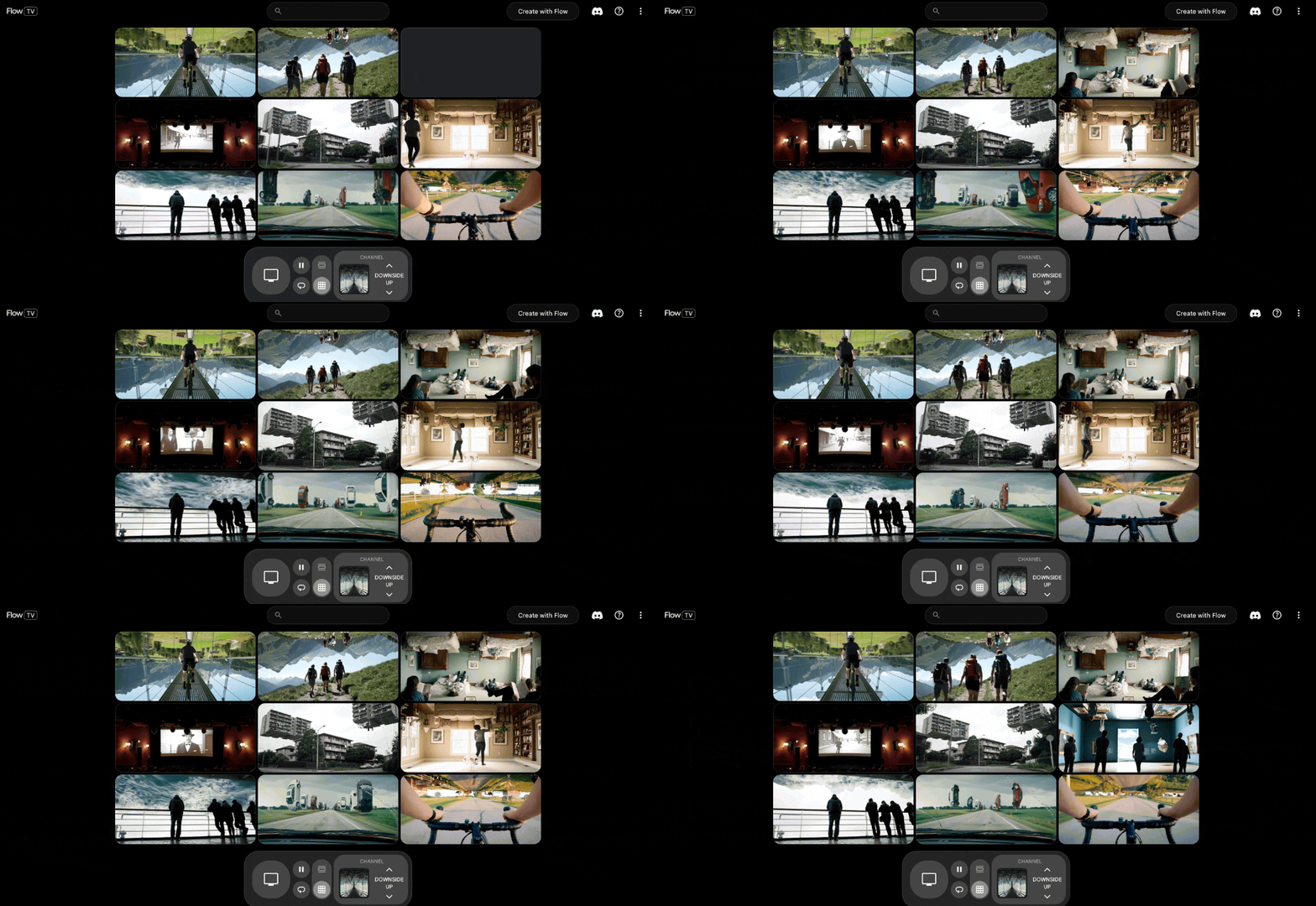
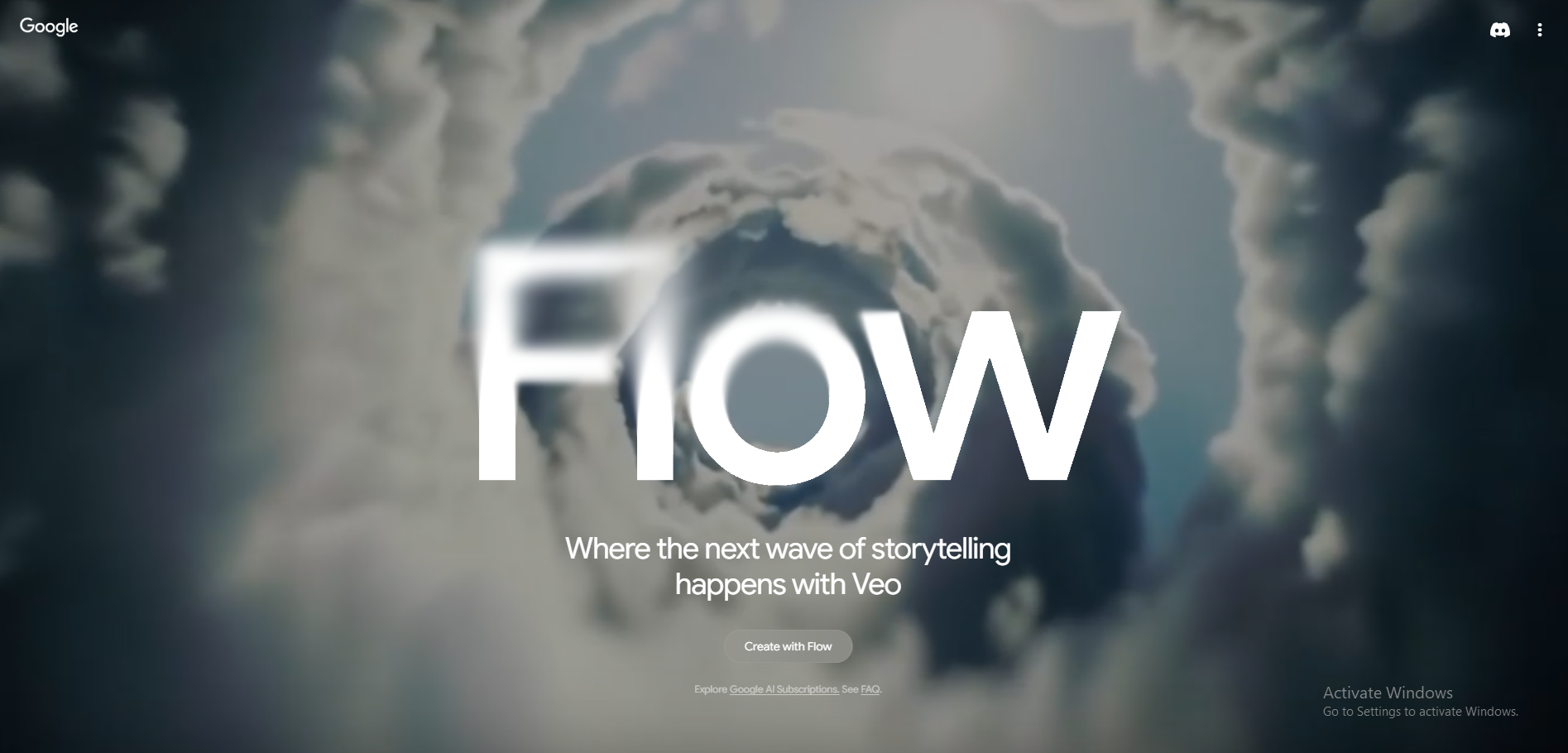
In the world of content creation, producing high-quality, cinematic videos that engage and captivate audiences is essential. Google Flow takes video production to the next level, using the power of VEO to generate stunning, long-form cinematic content that is consistent, seamless, and visually immersive. Designed for filmmakers, content creators, marketers, and businesses, Google Flow provides a cutting-edge platform for crafting visually striking content that aligns with your creative vision, without the complexity of traditional video production.
With Google Flow, you can quickly and easily generate long-form content that feels like it was crafted by a seasoned film crew. The tool allows for complete control over the pacing, composition, and style of your video, ensuring that every scene flows seamlessly into the next. This AI-powered technology is not just about cutting-edge tools, it’s about creating an experience for your audience that feels consistent and immersive throughout the entire piece.
Want to see Flow in action? You can watch more Flow-generated content on Flow TV, where you’ll get a taste of the high-quality, cinematic videos produced using this powerful tool.
If you’d like to learn more about how AI can help you grow, consider attending a Nimbull AI Training Day or reach out for AI Consulting services.
Introduction
Competitor Comparison
| Tool | Strengths |
|---|---|
| Google Flow | Cinematic video generation, scene consistency, camera movement control, Google AI models |
| Runway | Advanced video editing, strong motion tools, Gen-2 video model |
| Pika | Fast text to video output, simple interface, social media focus |
| Luma AI | Realistic 3D scenes, photorealistic environments |
| Synthesia | Avatar based videos, business and training content |
| Kaiber | Music driven videos, creative visuals for artists |
Pricing & User Base
At the time of writing, Google Flow is available through Google Labs with limited public access. Google has not published official pricing. Access is currently free for approved users during the experimental phase.
User numbers are not disclosed. Interest remains high among filmmakers, content teams, and creative studios.
Primary Users: Video creators,Brand marketing teams,Creative agencies,Filmmakers,Product marketing teams
Difficulty Level
Ease of Use: Medium
Google Flow uses prompt based controls with advanced scene logic. Basic use is simple. High quality cinematic output needs prompt planning.
Use Case Example
- Define the video concept and structure
“I want to create a cinematic product launch video with smooth camera movement, soft studio lighting, and a minimal background. Write the scene plan for this video.” - Create the first scene
“Create the first video scene with controlled camera motion and consistent lighting. Set an appropriate scene length for a product reveal.” - Maintain visual consistency across scenes
“Add a second scene that matches the style, lighting, and camera movement of the first scene to keep visual continuity.” - Refine pacing and transitions
“Adjust the framing, pacing, and transitions between scenes to create a smooth cinematic flow.” - Review and finalise the video
“Generate the full video preview and show the scene timeline and playback.”
This approach supports faster video ideation, clearer visual storytelling, and efficient testing before full production.
Pros and Cons
Pros
- High quality cinematic visuals
- Strong scene consistency across clips
- Advanced camera and motion control
- Backed by Google AI research
Cons
- Limited public access
- No confirmed pricing details
- Not focused on avatar or explainer videos
- Learning curve for prompt structure
Integration & Compatibility
Works inside Google Labs environment
Uses Google AI models such as Veo, Imagen, and Gemini
Exports standard video formats for editing tools
Support & Resources
Official Google Labs documentation
Product walkthroughs and demos
Community feedback through Labs programs
If you want to explore how AI can accelerate your growth, consider joining a Nimbull AI Training Day or reach out for personalised AI Consulting services.