Creating visually appealing content is essential in today’s digital world, but balancing design creativity with development efficiency can be challenging. Canva Code is an innovative tool that bridges the gap between design and development, allowing users to easily generate beautiful designs while automating much of the technical work. Whether you’re a marketer, content creator, or developer, Canva Code empowers you to create stunning visuals and integrate them into your projects with ease—without needing extensive coding skills.
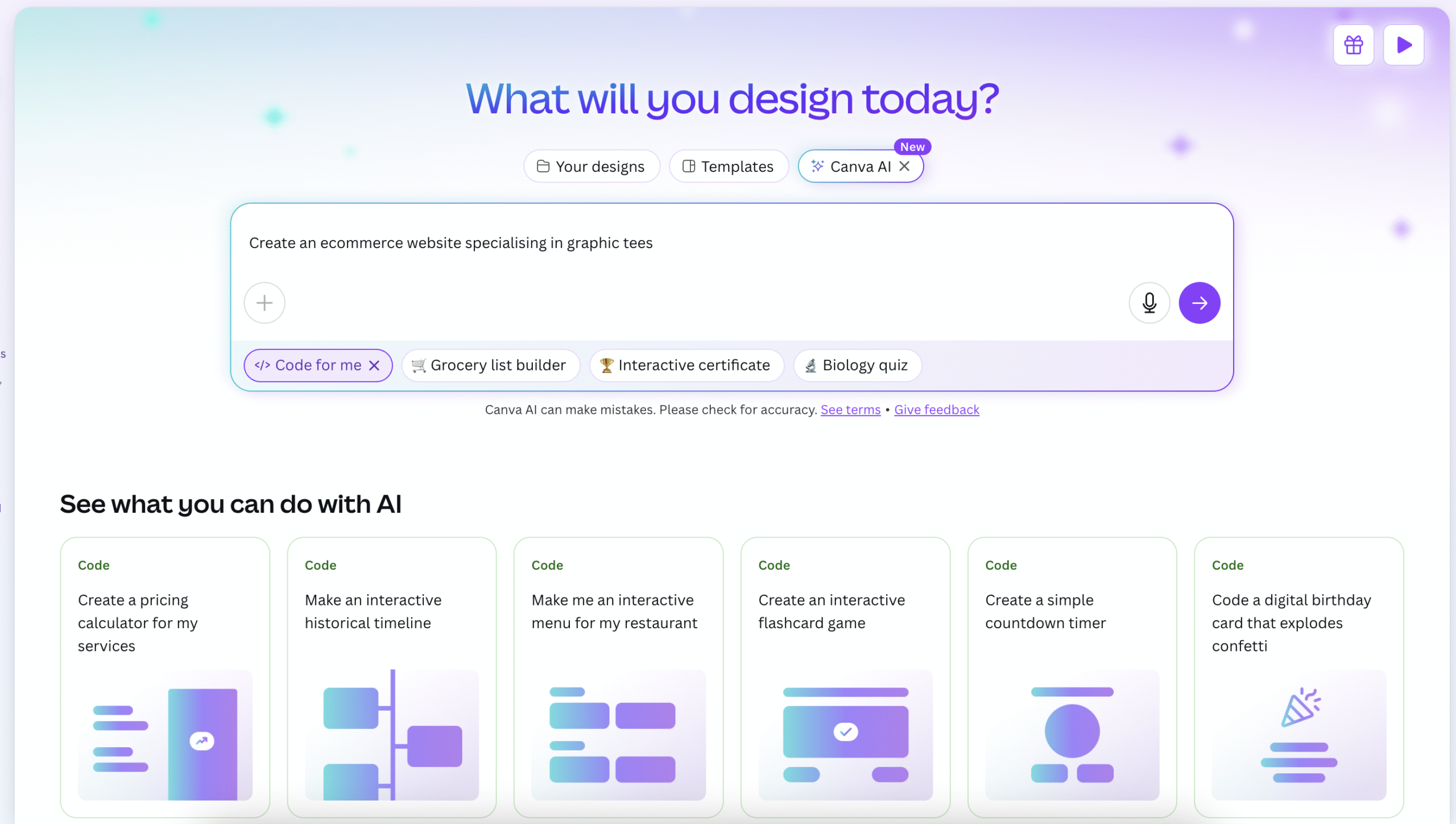
What sets Canva Code apart is its ability to automate and streamline the design process while keeping the creative freedom of Canva’s intuitive design platform. It allows you to generate and customise design elements, such as images, logos, and templates, and then seamlessly integrate them into your website or app. The power of Canva Code lies in its simple drag-and-drop interface combined with a smart backend that can automatically generate code for your projects. Plus, any changes you make in the designs are reflected instantly in the code, allowing for quick edits and seamless updates to your app or website.
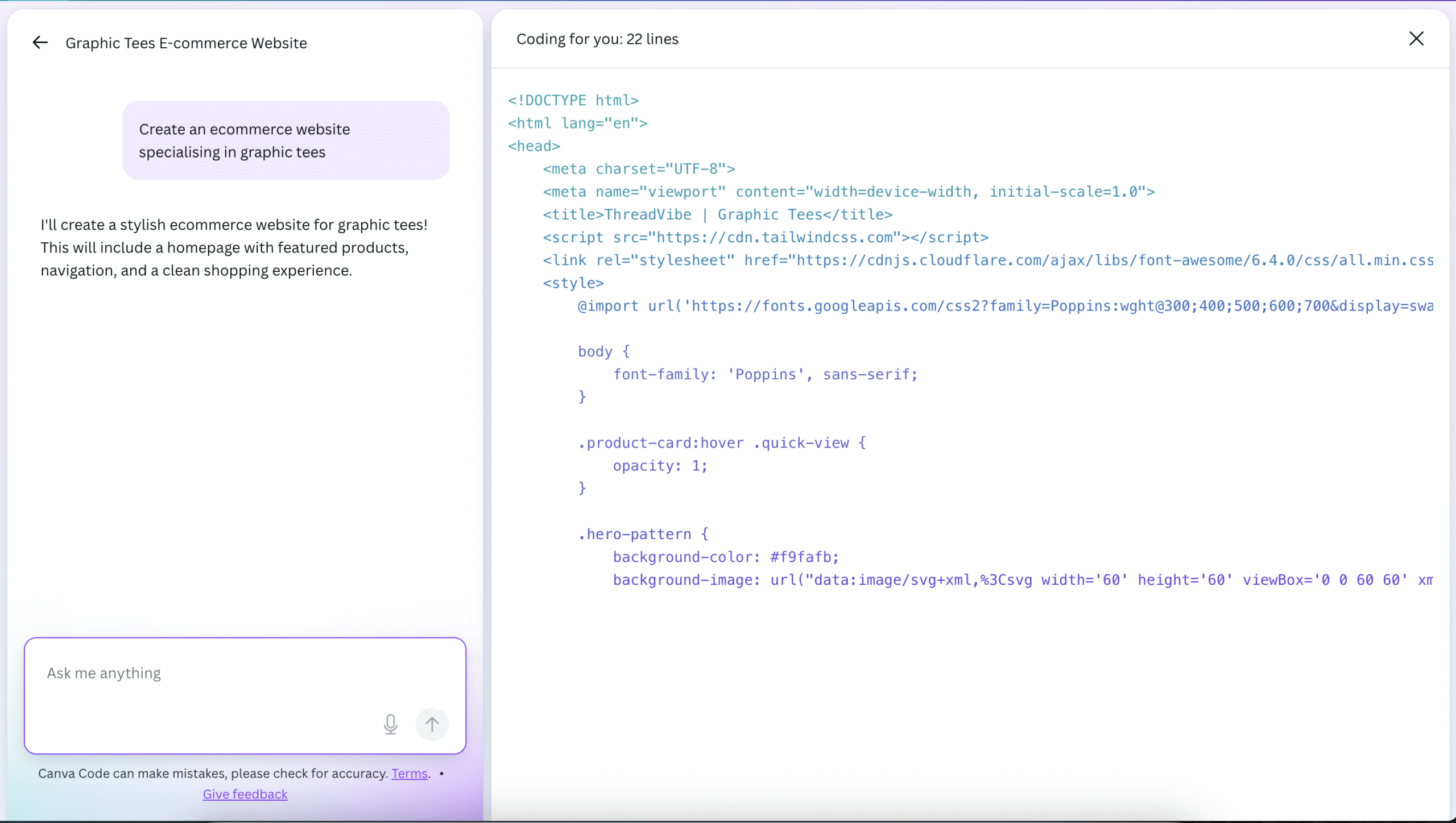
For example, imagine you’re building a website for your business. With Canva Code, you can quickly design all the visual elements—such as headers, buttons, banners, and product images—using Canva’s powerful tools. Once your designs are ready, Canva Code automatically generates the necessary HTML and CSS code to integrate those visuals into your site. Need to make a change? It’s as simple as going back to the design in Canva, making your adjustments, and having the code automatically updated. This allows you to focus on your brand’s aesthetics while ensuring a polished, professional look for your website or app.
Introduction
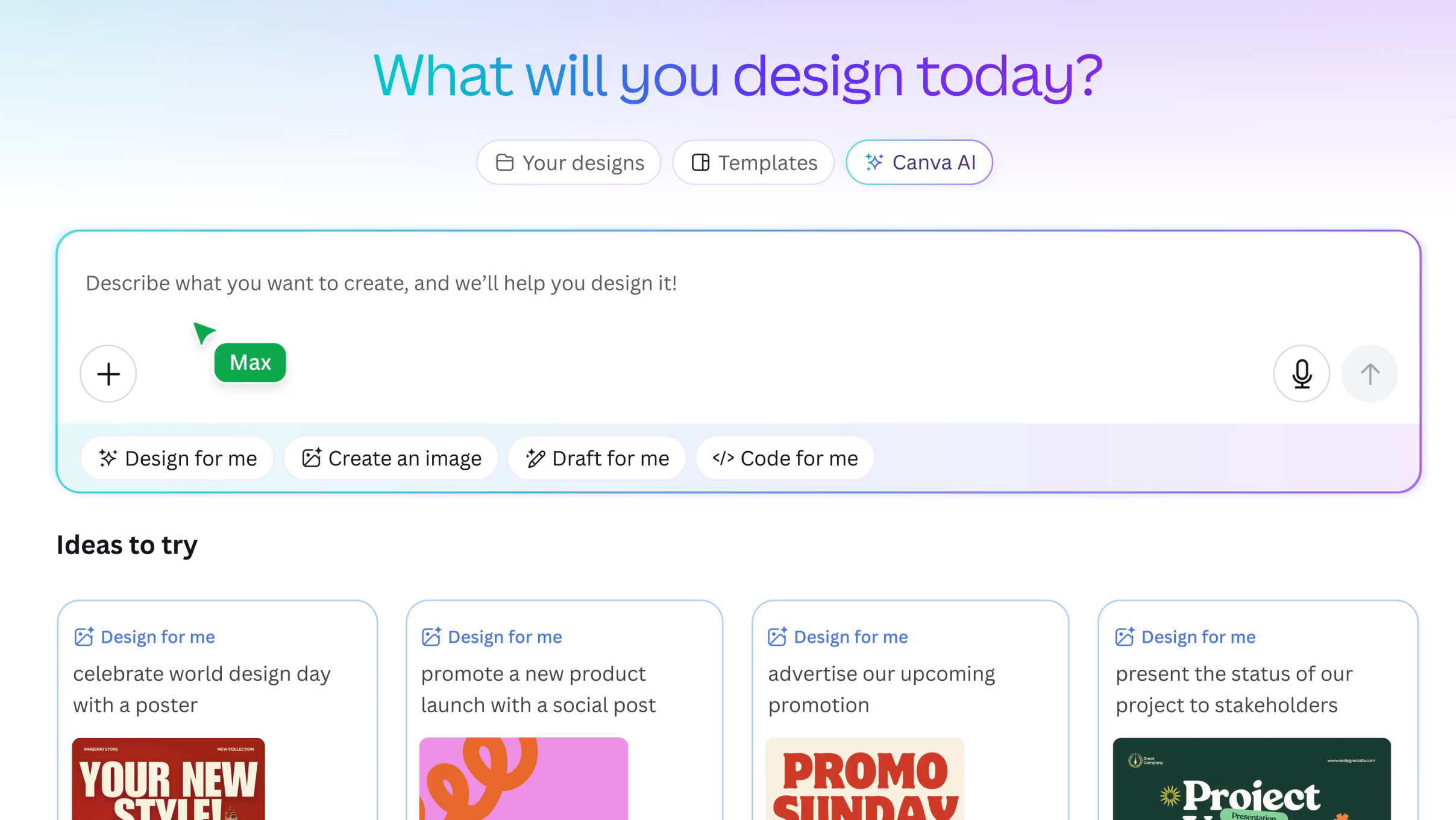
Rather than writing code manually, users describe what they want to build, and Canva Code generates both the interface and the underlying HTML/JavaScript logic directly inside Canva. A major recent addition is its native integration with Canva Sheets for persistent data storage. This means user inputs and interactions from your coded apps can flow directly into a connected spreadsheet without needing external database integrations.
This makes it especially valuable for marketers, designers, educators, founders, and non-technical teams who want to build functional, data-capturing digital experiences quickly. By combining design, development, and database management into a single platform, Canva Code reduces the complexity of building small applications and enables faster prototyping and deployment.
Competitor Comparison
Here is how Canva Code compares with other AI-assisted coding and no-code platforms:
| Tool | Description |
|---|---|
| Canva Code | Prompt-based app creation with a visual-first workflow and Canva Sheets data capture. |
| GitHub Copilot | Advanced coding assistant for developers inside IDEs. |
| Cursor AI | Context aware coding with developer focused workflows. |
| Replit AI (formerly Ghostwriter) | Beginner-friendly cloud-based coding environment. |
| Glide | No-code app builder using data-driven logic and spreadsheets. |
| Bubble | Visual app builder with advanced customization and full database control. |
Compared with developer tools like Copilot or Cursor, Canva Code is more accessible to non technical users. Compared with no code tools like Bubble, it focuses more on simplicity and speed rather than deep customisation.
Primary Users
The main users of Canva Code include:
- Marketers building interactive campaign tools or calculators
- Designers creating functional prototypes and micro apps
- Educators developing interactive learning experiences
- Founders testing product ideas quickly
- Non technical teams who want to build apps without coding
Difficulty Level
Canva Code is categorised as Easy difficulty.
- Users can build apps using plain English prompts
- No programming knowledge is required
- The interface is integrated into Canva’s familiar design environment
- Advanced logic may require clearer instructions and refinement
This makes it highly accessible to beginners while still useful for rapid prototyping.
Use Case Example
Steps:
- Define the core app idea
“I want to create a simple finance tracker that users can open in a browser, with a clean layout and easy input forms.” - Initialise the app structure
“Create the basic structure of the finance tracker with pages for dashboard, transactions, and accounts.” - Define transaction input fields
“Add a transaction form with the following fields: date, type, category, amount, payment method, tax, description, accountFrom, accountTo, transferFee, withdrawFrom, withdrawFee.” - Enable light and dark mode support
“Add a light mode and dark mode toggle that updates the background colours and text styles automatically.” - Allow data import and export
“Include a feature that allows users to import and export transactions using CSV and JSON files.” - Prepare the app for testing and sharing
“Check the logic, fix any errors, and prepare the app so it can be shared and tested via a public link.”
This workflow allows non-technical users to go from idea to a working interactive tool in minutes rather than weeks, using Canva’s native editor, dashboard, and sharing system—without switching platforms or writing traditional code.
Result/Impact
- Users can go from idea to working app in minutes
- No need for traditional coding or development environments
- Faster prototyping for business ideas and campaigns
- Improved collaboration between design and functional teams
This makes it ideal for rapid experimentation and lightweight app development.
Pros and Cons
Pros
- No-code, prompt-based app creation
- Built directly inside Canva’s design environment
- Ideal for non-technical users and teams
- Seamless combination of design and logic
Cons
- Not suitable for complex or large-scale applications
- Limited backend and database control
- Dependent on Canva’s platform and features
- Less flexibility than full-code development
Integration & Compatibility
Works natively inside Canva
Easily shareable via links or embed
Can be combined with Canva designs, presentations, and websites
Support & Resources
Canva help centre and documentation
Guided prompts and in-editor tips
Tutorials and examples for beginners
If you want to explore how AI can accelerate your growth, consider joining a Nimbull AI Training Day or reach out for personalised AI Consulting services.