Introduction
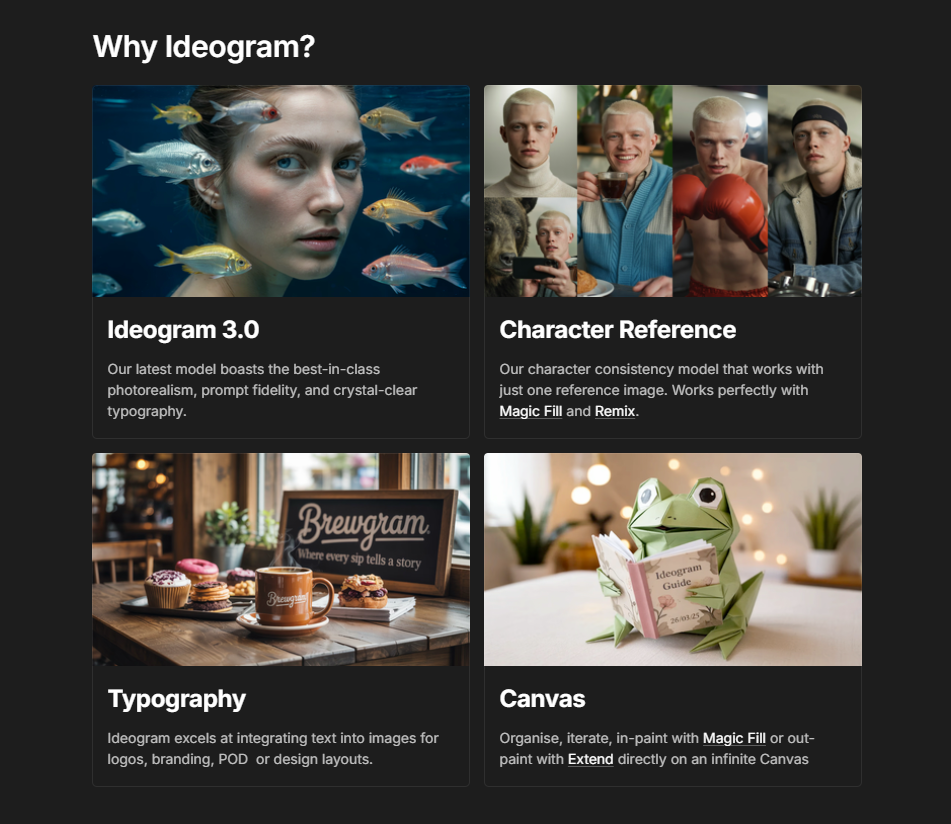
Ideogram is an AI image generation tool that turns text prompts into high-quality visuals, with models including Ideogram 4.0 and 4.5 offering accurate text rendering, realistic images and greater creative control. Whether you’re creating social media graphics, marketing materials or something more creative, Ideogram makes it easier to turn your ideas into professional-looking images. You can create illustrations, explore design ideas and produce graphics in minutes, without spending hours designing everything from scratch.
Competitor Comparison
Ideogram competes with other leading AI image generation platforms such as DALL·E, MidJourney, Canva AI, Runway, and Jasper Art.
| Tool | Strengths |
|---|---|
| Ideogram | High-quality AI-generated images, accurate text rendering for posters and logos, advanced image editing, and an intuitive interface |
| DALL·E | Creative interpretations, wide style range |
| MidJourney | Artistic and stylised images, strong community support |
| Canva AI | Integrated design platform, templates, easy editing |
| Runway | Powerful creative tools, video and image capabilities |
| Jasper Art | Quick image generation from text prompts, integrated with AI writing |
Pricing & User Base
At the time of writing, Ideogram offers a free tier with limited image generation and premium plans starting at approximately USD $8/month.
Primary Users: Designers, marketers, content creators, educators, small business owners seeking fast visual content.
Difficulty Level
Ease of Use: Easy
Ideogram’s intuitive interface makes it simple for beginners to generate high-quality images with minimal learning curve.
Use Case Example
Imagine you run a small online store and want to create unique promotional images for your products:
Type a text prompt like “modern minimalist poster for eco-friendly home products” into Ideogram.
Choose style preferences, such as colour palette or artistic style.
Generate the image and download it for social media posts, newsletters, or website banners.
This workflow saves hours of manual design work, ensures consistent branding, and allows even non-designers to create professional visuals.
Pros and Cons
Pros
- High-quality, realistic, and stylised AI-generated images
- Fast rendering and easy-to-use interface
- Customisable styles, colours, aspect ratios, and formats
- Suitable for marketers, designers, and content creators
- Capable of batch generation
Cons
- Limited free tier generation
- Some complex prompts may require trial and error
- Advanced features require premium plan
- May not fully replace professional graphic designers
Integration & Compatibility
Web-based platform, compatible with all modern browsers
Supports high-resolution downloads for print or digital use
Works across desktops and tablets without additional software
Support & Resources
Comprehensive guides, tutorials, and FAQ sections available
Responsive customer support for premium users
Active community for creative inspiration and prompt sharing
If you want to explore how AI can accelerate your growth, consider joining a Nimbull AI Training Day or reach out for personalised AI Consulting services.